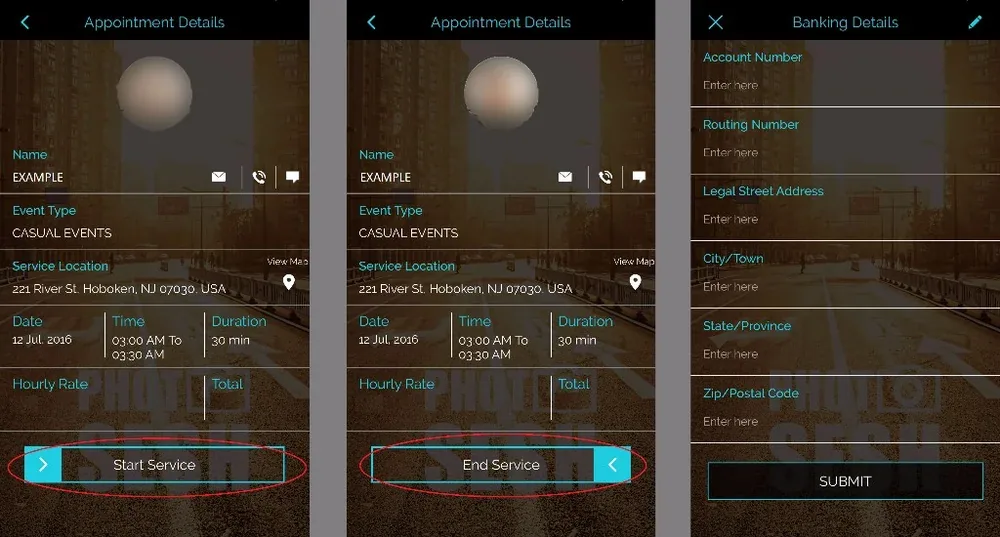
This is always done in the app and we're happy to help you get the hang of it! : ) The best way to share the simple steps for processing (Start/End Travel and Start/End Service) is by reading it here: https://www.photosesh.com/photosesh-request
You can END it any time after the job is done. This will let us know the job was completed and will also process the credit card transaction. Even though you may be processing it late or after the fact, it will still be based on the duration that the PhotoSesh was booked for. Hope this info was helpful!
TIP: The "Start" and "End" buttons are sliders, so swipe left/right depending on the arrow. Also you can't "End Service" until you have assigned an account to receive your direct deposit.